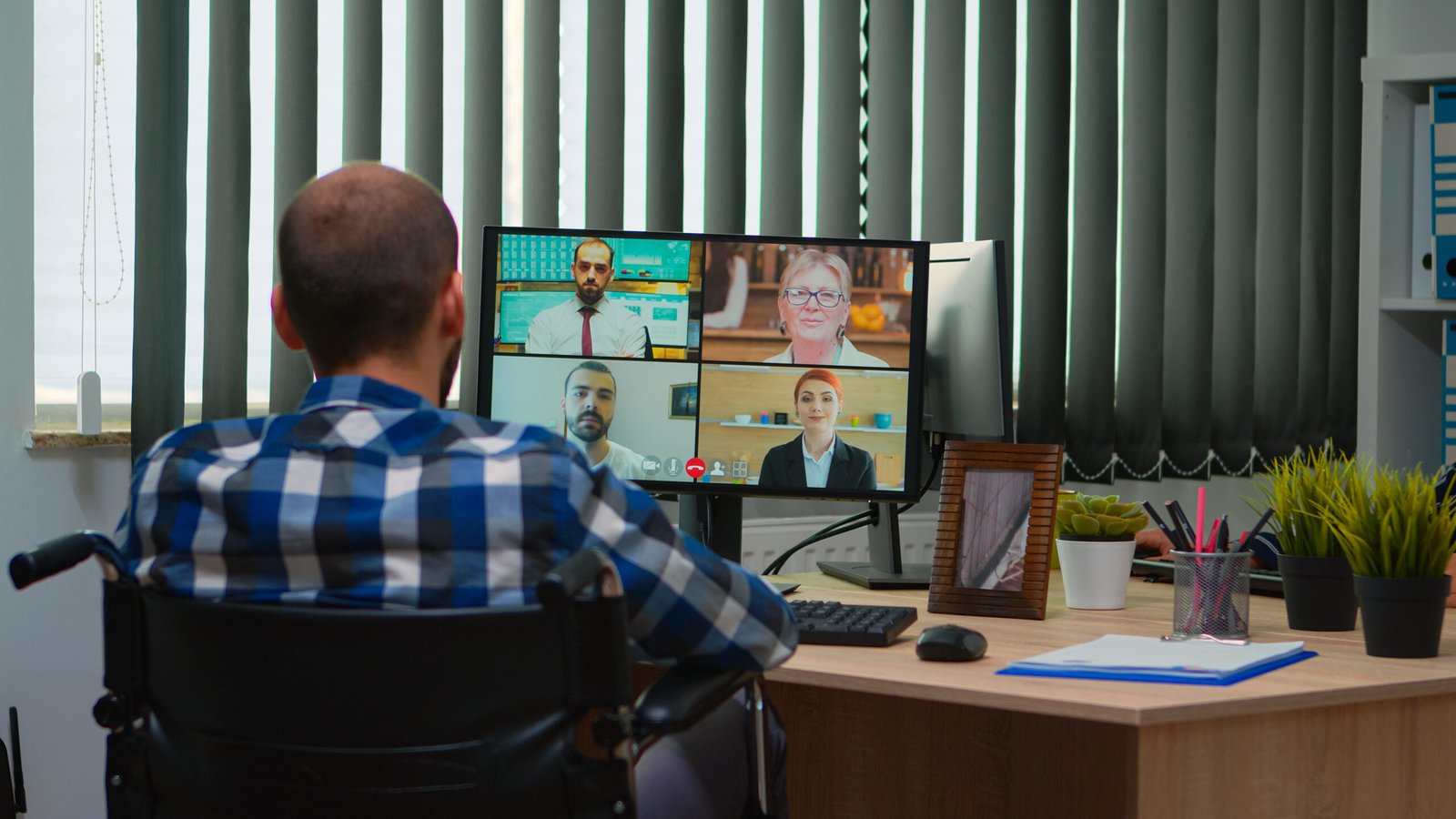
Remote work has changed how businesses operate, making it harder for managers to track performance and ensure productivity. This is where Employee Monitoring Software plays a key role. These tools help companies understand how employees spend their time, improve efficiency, and maintain accountability without micromanaging.
In today’s digital workplace, companies rely on software employee monitoring solutions to gain clear insights into workflows and team performance. With the right tools, businesses can support remote teams while maintaining transparency and trust.
What is Employee Monitoring Software?
Employee Monitoring Software is a digital solution that tracks and analyzes employee activities during work hours. It records actions such as app usage, website visits, time spent on tasks, and sometimes even screen activity.
The main goal of an Employee Monitoring tool is not to spy on employees but to improve productivity, identify inefficiencies, and support better decision-making. These tools are widely used in remote and hybrid work environments where direct supervision is limited.
Key Features of Employee Monitoring Software
Time Tracking
Time tracking allows businesses to measure how long employees spend on tasks or projects. It helps identify delays and improve time management.
Screen Monitoring
Many tools offer real-time or recorded screen monitoring. This feature helps managers understand how employees work and detect any unusual behavior.
Activity Logging
Activity logs provide detailed insights into apps used, websites visited, and idle time. This data helps identify productive and non-productive activities.
Reports and Analytics
Most Employee Monitoring Software includes dashboards and reports that show productivity trends, team performance, and areas for improvement.
These features work together to give managers a clear picture of daily operations, making it easier to optimize workflows.
Benefits of Using Employee Monitoring Software
Using an Employee Monitoring tool offers advantages for both employers and employees:
- Improved productivity through better time management
- Reduced operational costs by identifying inefficiencies
- Better remote team management with real-time insights
- Increased accountability and transparency
- Data-driven decision-making for managers
For employees, these tools can highlight strengths, improve focus, and provide clear performance feedback.
Top Employee Monitoring Software Platforms
1. Kickidler (Best Overall Solution)
Kickidler stands out as one of the most advanced Employee Monitoring Software platforms available today. It offers real-time screen monitoring, detailed productivity analysis, and powerful reporting tools.
Kickidler is especially useful for remote teams because it combines visibility with efficiency. Businesses can track performance without disrupting workflows. As a leading remote work tracking software, it helps organizations maintain control while supporting flexible work environments.
Key strengths include:
- Live screen monitoring and playback
- Automatic productivity tracking
- Detailed analytics and reporting
- User-friendly interface
2. Hubstaff
Hubstaff is a popular Employee Monitoring tool focused on time tracking and productivity measurement. It is ideal for teams that need simple tracking with GPS and invoicing features.
3. Time Doctor
Time Doctor provides detailed insights into employee activity and productivity. It is commonly used by remote teams to monitor work hours and improve accountability.
4. Teramind
Teramind offers advanced monitoring and security features, including behavior analytics and insider threat detection. It is suitable for companies with strong security needs.
Compliance and Privacy Considerations
One of the biggest concerns with Employee Monitoring Software is privacy. Businesses must use these tools responsibly and follow data protection laws.
To ensure ethical use:
- Inform employees about monitoring policies
- Avoid excessive or intrusive tracking
- Use data only for productivity and security purposes
- Follow local and international data protection regulations
When used transparently, an Employee Monitoring tool can build trust rather than reduce it.
Real-World Use Cases
Employee Monitoring Software is useful across many industries. Some common use cases include:
- Remote work management for distributed teams
- Project tracking in software development companies
- Time optimization in customer support teams
- Performance evaluation in sales organizations
For example, a remote marketing team can use monitoring tools to track campaign progress, while an IT company can ensure developers stay focused on tasks.
How to Choose the Right Employee Monitoring Software
Selecting the right tool depends on your business needs. Here are key factors to consider:
- Ease of use and user interface
- Scalability for growing teams
- Integration with existing tools
- Reporting and analytics capabilities
- Privacy and compliance features
Choosing the right Employee Monitoring Software ensures better adoption and long-term success.