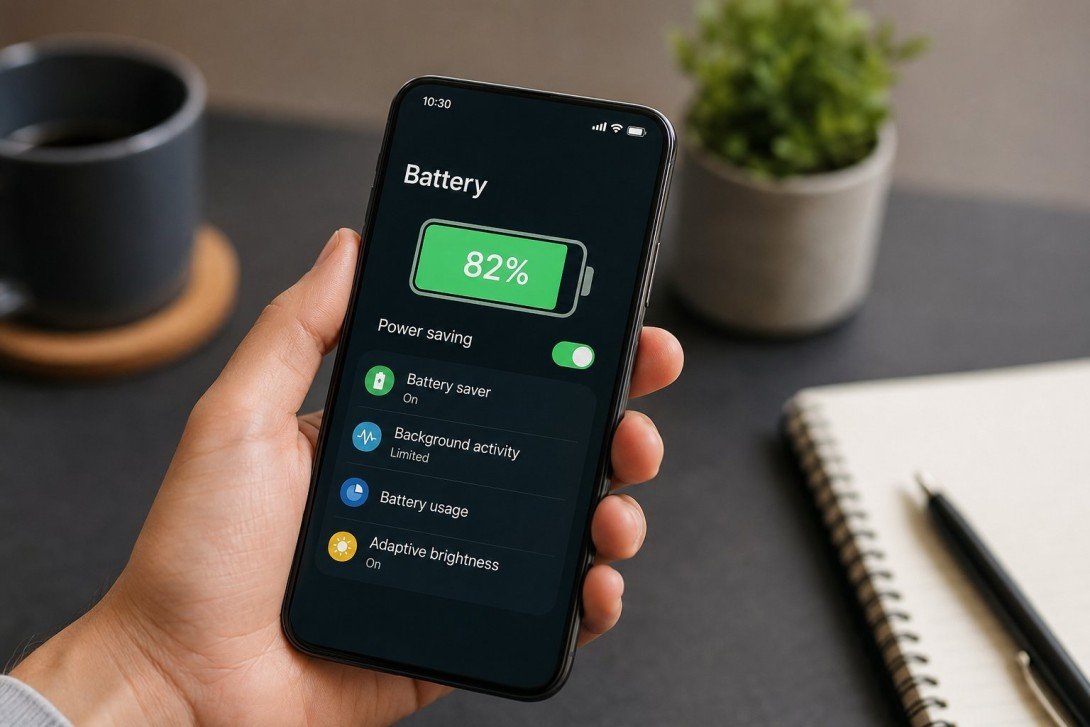
HOW TO MAKE YOUR BATTERY LAST LONGER
Nothing is more frustrating than watching your phone battery drain before the end of the day. Whether you use your smartphone for work, social media, gaming, or navigation, a longer-lasting battery means fewer interruptions and less time searching for a charger.
Fortunately, improving your phone’s battery life doesn’t require expensive accessories or technical knowledge. By making a few simple adjustments to your settings and daily habits, you can significantly extend your battery life on both Android and iPhone devices.
1. REDUCE SCREEN BRIGHTNESS
Your display is one of the biggest battery consumers. Lowering your screen brightness or enabling adaptive brightness allows your phone to use only the amount of light needed for your surroundings.
2. ENABLE BATTERY SAVER MODE
Most smartphones include a built-in Battery Saver or Low Power Mode. These features reduce background activity, limit visual effects, and slow non-essential processes, helping your battery last much longer when power is running low.
3. CLOSE OR RESTRICT BACKGROUND APPS
Many apps continue running even when you’re not using them. Social media, email, and location-based apps frequently refresh in the background, consuming valuable battery power.
Review your battery usage in your phone’s settings and restrict apps that use excessive power.
4. TURN OFF UNUSED FEATURES
Features like Bluetooth, GPS, Wi-Fi, and mobile hotspot use power even when you’re not actively using them.
Switch these features off when they aren’t needed. This simple habit can noticeably reduce battery drain throughout the day.
5. KEEP YOUR SOFTWARE UPDATED
Software updates often include battery optimizations, performance improvements, and bug fixes. Keeping your phone updated ensures you’re benefiting from the latest power management improvements.
Likewise, update your apps regularly to improve efficiency and reduce unnecessary battery usage.
6. REDUCE NOTIFICATIONS
Every notification wakes your phone, activates the display, and uses processing power.
Disable notifications for apps that aren’t essential. Fewer notifications not only improve battery life but also reduce distractions.
7. LIMIT LOCATION SERVICES
GPS is one of the most power-hungry features on a smartphone.
Only allow apps to access your location while you’re actively using them, and disable location services when they’re unnecessary.
8. AVOID EXTREME TEMPERATURES
Heat and cold can both reduce battery performance and shorten the lifespan of lithium-ion batteries.
Keep your phone out of direct sunlight, avoid leaving it in a hot car, and don’t expose it to freezing temperatures for extended periods.
9. CHARGE YOUR BATTERY WISELY
Modern smartphone batteries last longer when they’re not constantly charged from 0% to 100%.
For everyday use, many experts recommend keeping your battery between approximately 20% and 80% when practical. While occasional full charges are fine, avoiding frequent deep discharges and prolonged charging at 100% may help reduce long-term battery wear.
10. REMOVE UNUSED APPS
Unused apps often continue syncing, checking for updates, or sending notifications.
Deleting apps you no longer use frees up storage, improves performance, and can reduce background battery consumption.
CONCLUSION
Making your phone battery last longer doesn’t require major changes. Small adjustments-such as lowering screen brightness, enabling battery saver mode, limiting background activity, and keeping your software updated-can have a noticeable impact on daily battery life.
If your battery still drains unusually fast after trying these tips, it may be worth checking your battery health or consulting the device manufacturer, as older batteries naturally lose capacity over time.
By following these simple battery-saving practices, you can enjoy longer usage between charges and help extend the overall lifespan of your smartphone.